
Schedule interviews, including AI video interviews
Create and send interview invitations in H2R Recruitment, add interviewers and AI-drafted questions, invite external panellists, and understand the AI interview.
Last updated:
H2R Recruitment handles two kinds of interview: ones your people run (online, in person or by phone), and an AI-led interview that can be added to a vacancy’s pipeline. In both cases the interview produces notes and a scorecard for your team. It does not make the hiring decision.
Schedule an interview
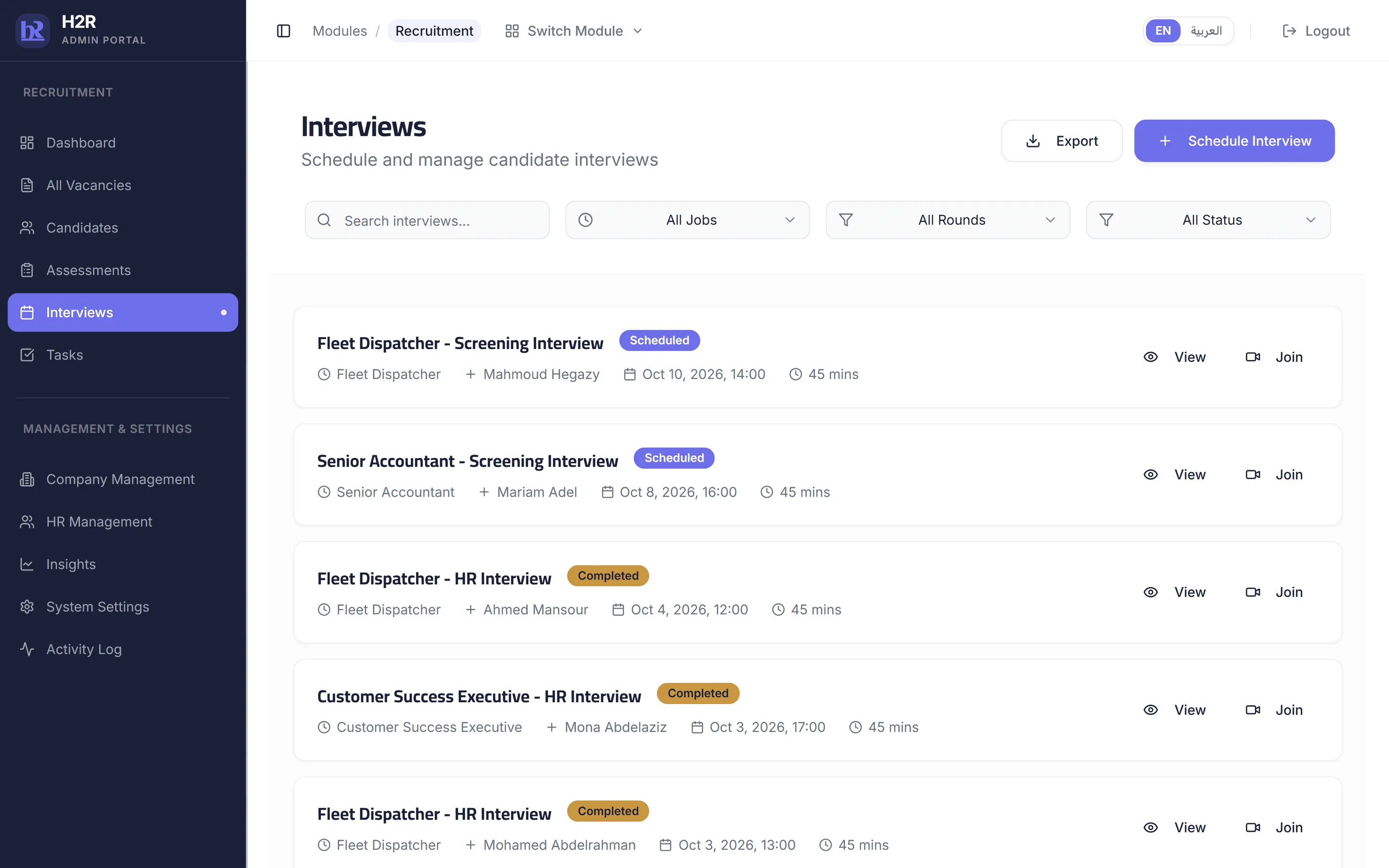
- Open Interviews and click Schedule Interview. You can also click Schedule Interview on a candidate’s card or details page.
- Under Vacancy & Applicant Selection, pick the vacancy and the candidate. The list shows each candidate’s match score.
- Under Interview Configuration, choose the Interview Type (Online, In Person or Phone) and the Interview Round (HR, Technical, Managerial or Final). Set the date, time and duration (30 minutes to 2 hours).
- Optionally switch on Webcam Monitoring, ID Verification and Allow Camera Toggle for online interviews.
- Add Interviewers with name, role and email.
- Add Preparation Instructions and attachments such as an interview guide.
- Click Preview Invitation to check it, then Send Interview Invitation, or Save as Draft.
Draft questions with AI
Turn on Generate Questions with AI, choose a difficulty and question type, and click Generate Interview Questions. They are based on the role. Treat them as a starting point: edit them and add your own.
What the candidate does
The candidate receives the invitation and can accept or decline, add the interview to a calendar, read the preparation guide and click Join Interview when it is time. Declining notifies the recruiter. Candidates also see upcoming and past interviews in their portal.
Invite an outside panellist
On an interview’s page, use Invite under External Panel. Enter their name, email, a personal message and the link validity. They receive a secure, time-limited link and can give feedback without creating an account. Their strengths, concerns and general comments appear on the interview page.
AI interview
If the vacancy’s pipeline includes the AI Interview Stage, the top M candidates are invited to an AI Voice Interview. The AI asks personalised, job-relevant questions. The candidate answers by voice, which is transcribed live, or by typing. At the end a scorecard shows an overall match with strengths and areas to improve. You find the AI Match Score, summary, notes and scorecard in the candidate’s Interviews tab. Slots are spread across the scheduling window you set in the pipeline.
Important: Use the AI result as one input next to your own interview and the CV review. Hiring decisions stay with people. If you enable webcam monitoring, tell candidates in advance what is monitored.
Troubleshooting
- The candidate list is empty. Candidates must have applied to the selected vacancy.
- Generate Interview Questions asks for more. Choose the vacancy, round and difficulty first.
- An invitation was declined. The status changes and the recruiter is notified; reschedule with Edit Interview.
- The candidate cannot join. Ask them to allow camera and microphone access in the browser and use a quiet place with good lighting.
Was this article helpful?
Tell us in one line what was missing and we will improve it.
Related articles
Still stuck?
Send us a message with what you were trying to do and the screen you are on.
Contact support